How the catalog works
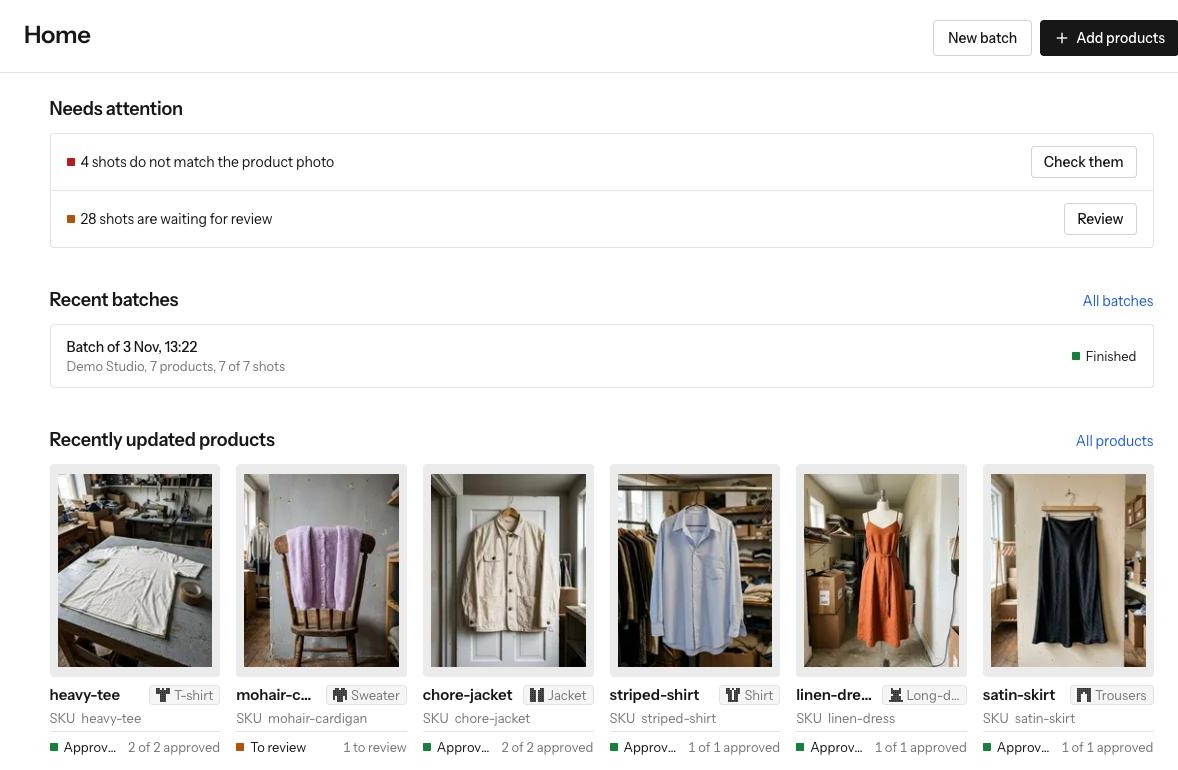
Reica turns the photos you take of your products into catalog images: a still life of the product alone, and on-model photos of a model wearing it. Every image is checked against your photo, and nothing leaves Reica until someone has approved it.
The work always follows the same five steps.
| Step | What you do | Where |
|---|---|---|
| 1. Add products | Upload photos, import a feed or pick photos from Google Drive. Each product gets its SKU, its photos and a category. | Products |
| 2. Set a brand profile | Decide once how your images look: backdrop, light, shadow, format, margin, angles, model. | Brand profiles |
| 3. Generate | One product from its page, or many at once in a batch with one brand profile. | Product page, Batches |
| 4. Review | Every image is validated against your photo. Look at it next to the photo, approve it, reject it or ask for a change. | Review |
| 5. Export | Download the approved images as a ZIP, one file per size, or send them to Google Drive. | Review, batch page, product page |
The words Reica uses
- Product: one item you sell, with its SKU and its photos. Sizes of the same item are variants of one product, not separate products.
- Brand profile: the look of your catalog, saved once and used for every product. You can have more than one, for example one for the shop and one for a campaign.
- Shot: one image a product needs, such as the front still life or the on-model back pose. A shot can have several versions.
- Still life: the product alone on your backdrop.
- On-model: a model wearing the product. It is made from the approved front still life.
- Batch: several products generated together with one brand profile.
- Quality check: the automatic comparison of each image with the product photo, scored out of 100.
What a product goes through
Generating → To review → Approved or Rejected
A rejected or failed shot can be made again. An approved shot stays as it is until you undo the approval, and a new batch keeps it unless you ask to make it again.
Nothing is charged before you start
Adding products, setting up a brand profile and reading the look of a photo are free. Every generation shows its cost in credits before you start, and the credits of an image that fails are returned.