Character
Characters are Reica's answer to consistency. Create a model once — save it to your library — and use it across every generation, every format, every campaign. The same face. The same proportions. Every time.
Your character library
When you open the Character section, you see all your saved characters in a grid. You can also browse Reica's default library of AI characters — ready to use immediately, no creation required.
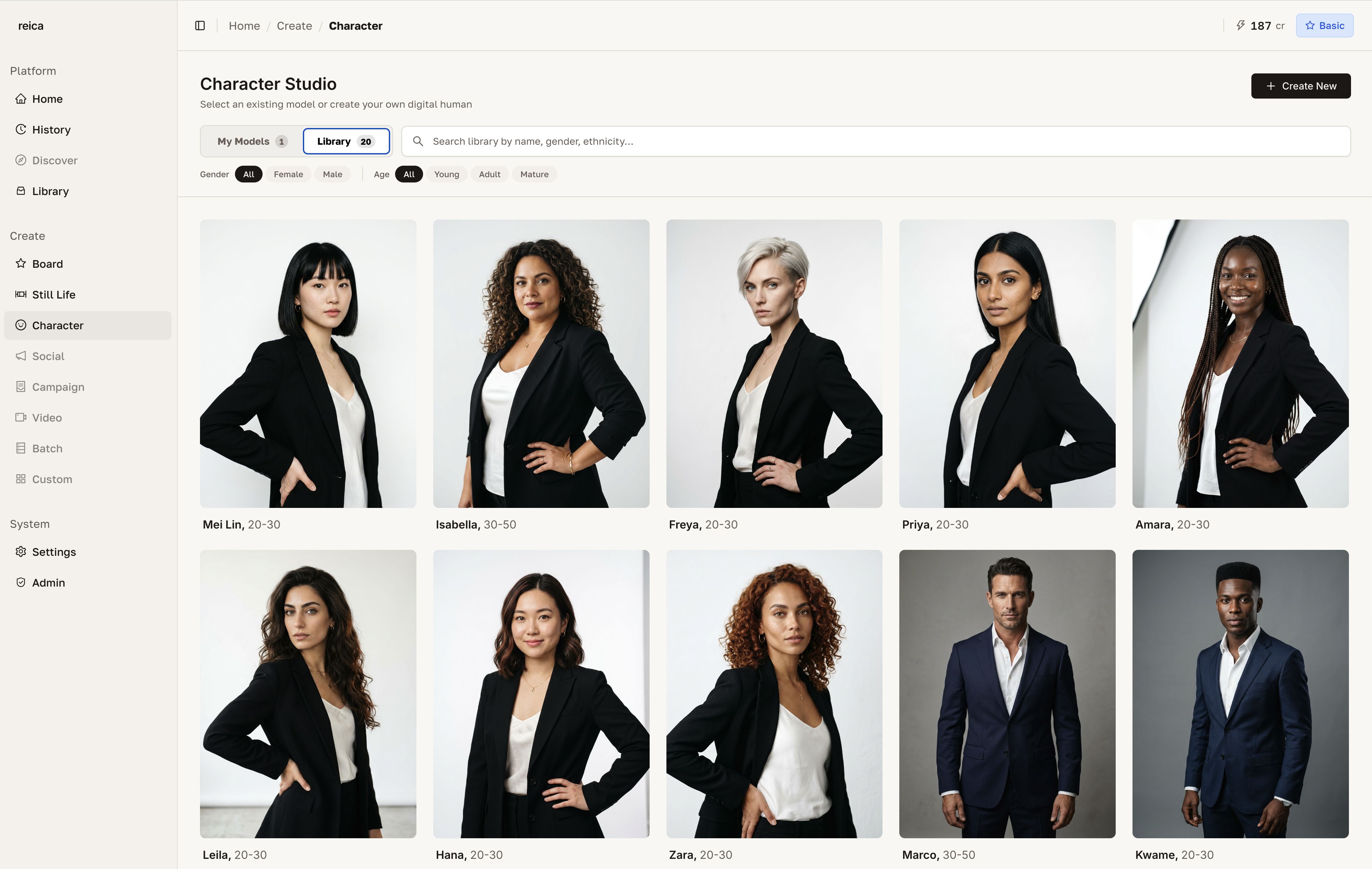
Creating a new character
Click Create New to open the character generation form.
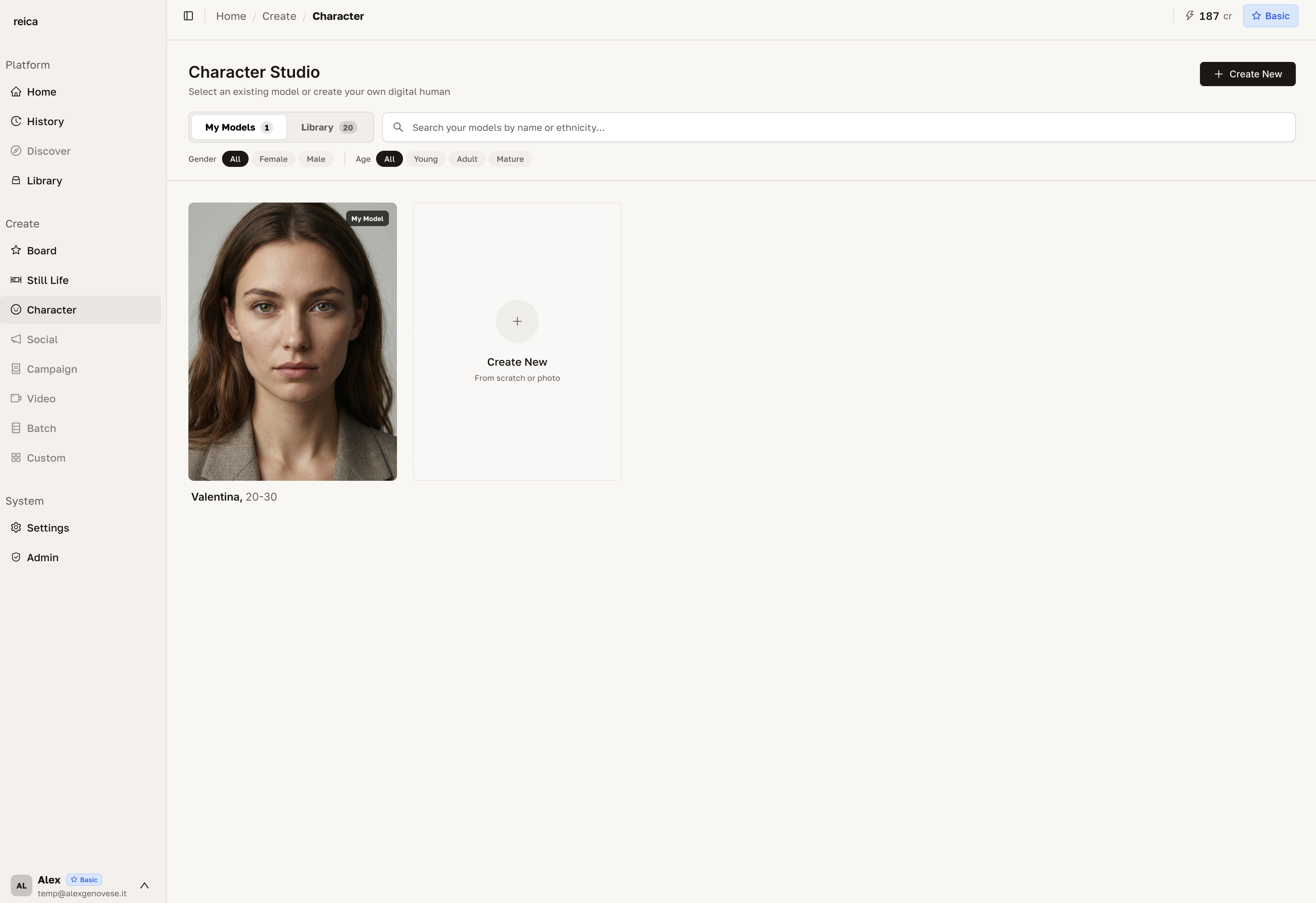
From here you can define:
- Appearance — gender, age range, skin tone, facial features, hair
- Style reference — upload an inspiration image (a model photo, editorial reference)
- Name — for easy identification in your library
Reica generates a base character that you can review and refine before saving.
Character options
Click on any character in your library to see all available options.
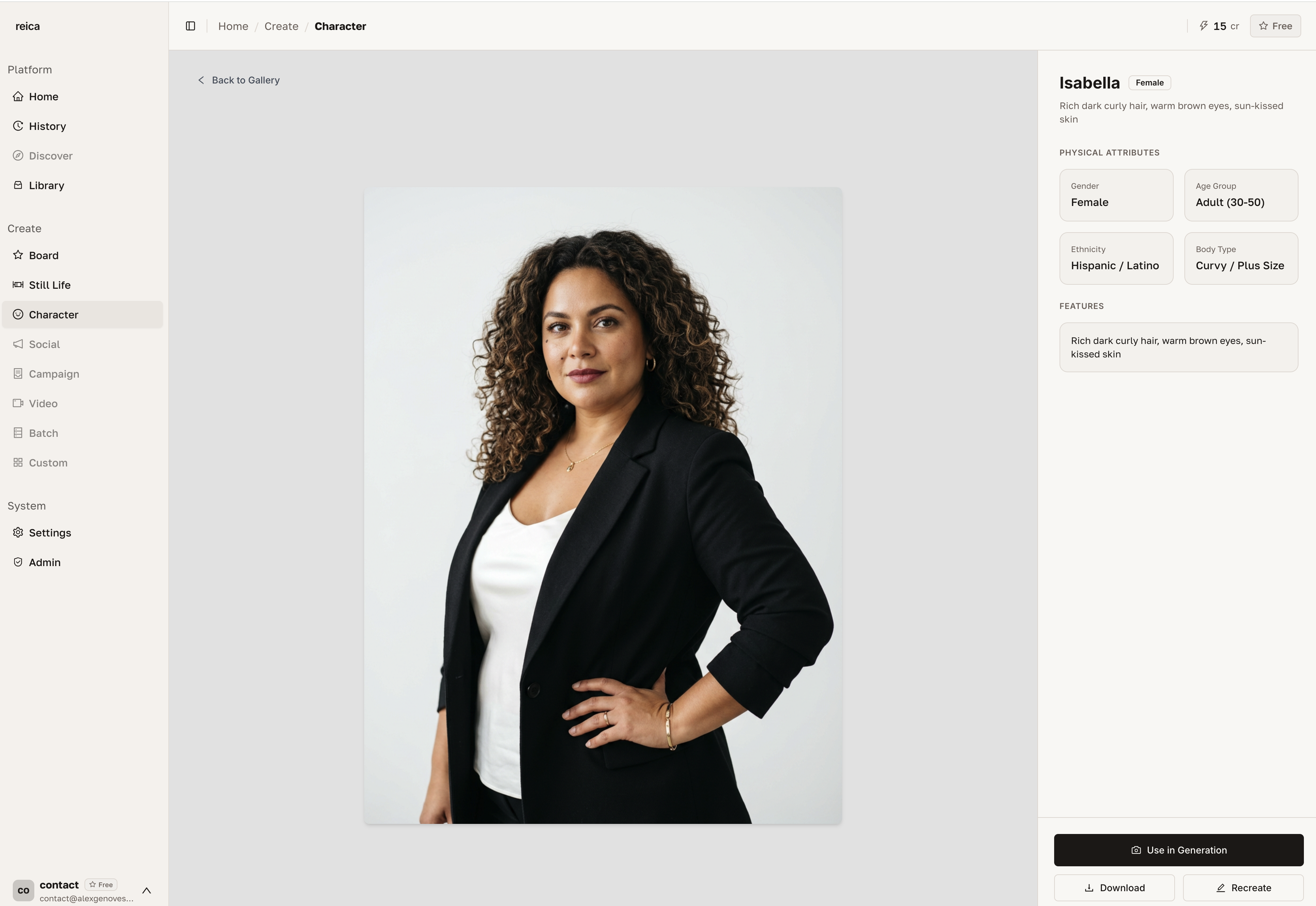
Options include:
- Use in Still Life — open a product shoot with this character pre-selected
- Use in Board — add this character as a node in your current Board
- Recreate — generate a variation starting from this character
- Edit — adjust details and regenerate
- Delete — remove from your library
Recreating from a character
The Recreate option lets you generate new characters that share the same base as an existing one — useful for creating a character family or exploring variations while maintaining a recognisable brand identity.
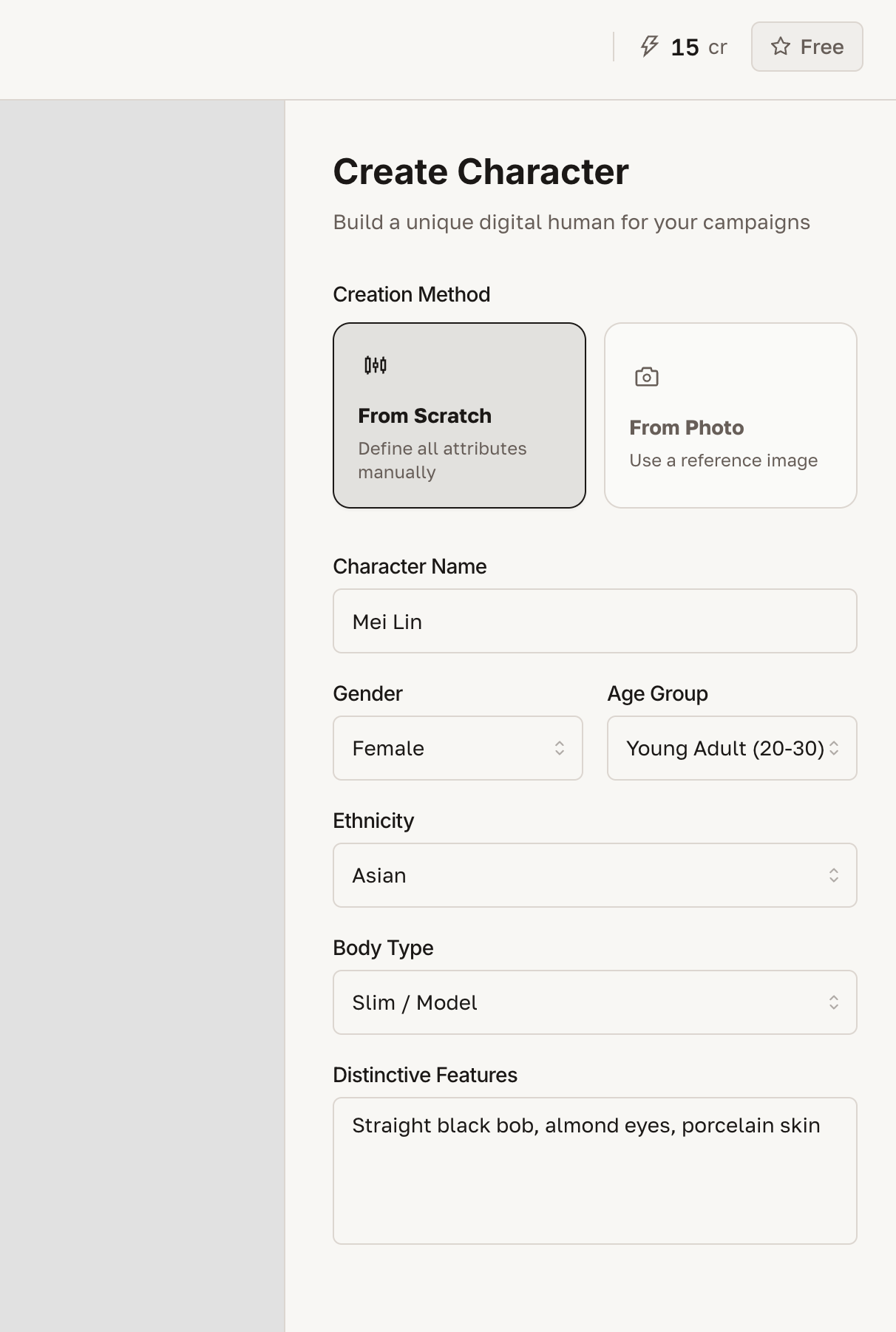
When you click Recreate, sliders and controls appear for:
- Adjusting age, skin tone, hair colour, facial structure
- Applying a different lighting or style reference
- Generating siblings or editorial variants of the same character
Using characters in generations
A saved character can be used in:
| Generation type | How to use |
|---|---|
| Still Life | Click "Choose a Character" in the Still Life form |
| Board | Open the Library panel → Characters → add to canvas |
| Batch | Select character once → apply to all SKUs in the batch |
Best practices for characters
- Give characters clear names — include notes like "Spring 2026 Campaign Character" for easy recall
- Create 2–3 characters per brand — a primary face, an alternative, and a lifestyle character for variety without inconsistency
- Use Recreate for seasonal variations — keep the brand character recognisable but with fresh variations per season
- Combine with a consistent photographic style in the Board for maximum campaign coherence
Related
- Board guide — use characters in canvas compositions
- Still Life guide — on-model product photography
- Use Cases — see how consistent characters power real campaigns